Runnable Examples
After cloning the repository, you can run the following examples to see how fastquadtree works in practice.
Environment Setup
Clone the repo
Create and activate a virtual environment, install dependencies (uv)
uv will manage a virtual environment for you. To set it up, run:
1. Interactive demo
- Add and delete boids with mouse clicks
- Visualize KNN and range queries
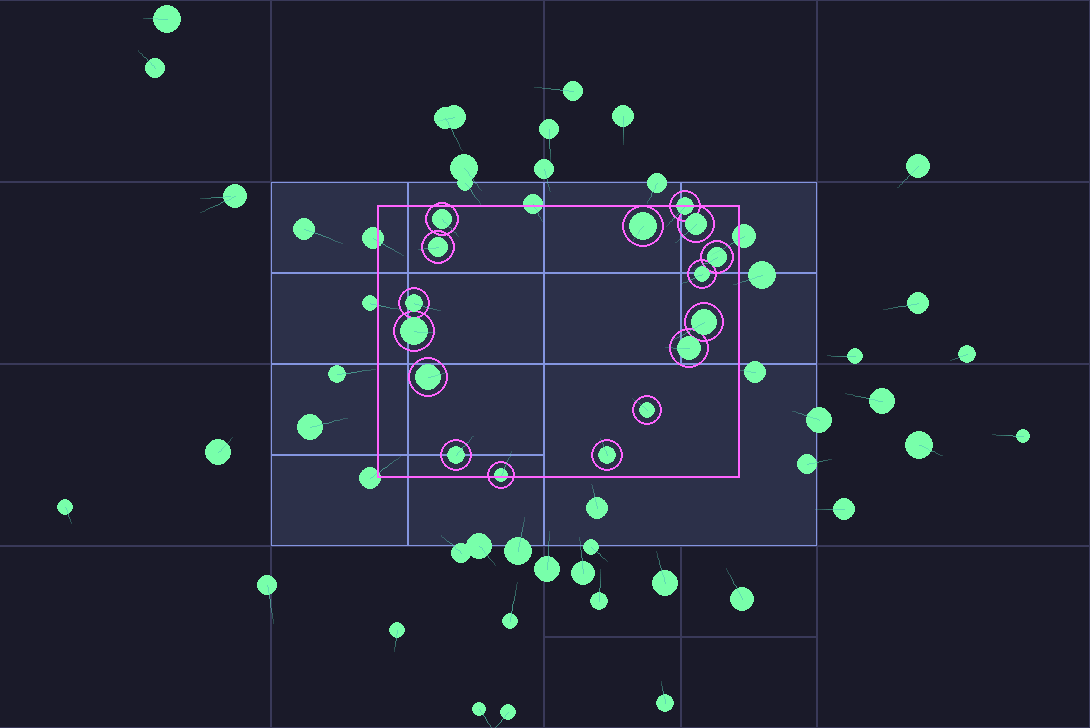
The interactive demo is a great way to see how fastquadtree works in practice. You can see how the quadtree subdivides as you add points, and validate the accuracy of the queries visually. By pressing 1, you can visualize the KNN query for each boid.
1.5 Interactive Demo with Rectangles
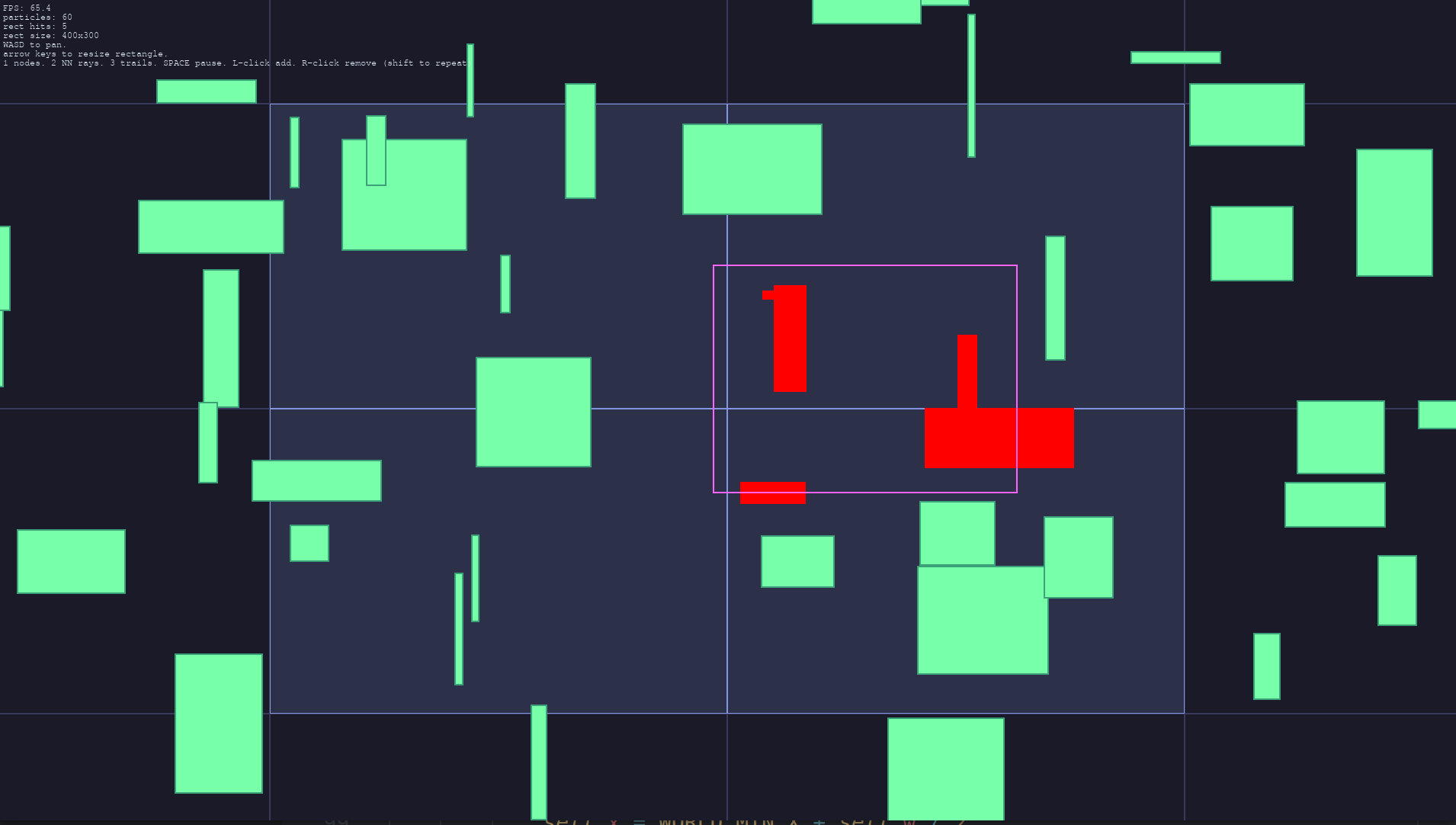
- Similar to the above demo, but uses rectangles instead of points
- If the rectangles intersect at all with the query area, they will be highlighted in red
If you are creating a game or simulation environment where entities have bounding boxes, you can use the rectangular quadtree to quickly check which entities are intersecting with another.
2. Ball Pit
- Spawn balls in a pit with physics-based collisions
- Easily switch between brute force and quadtree collision detection to see the performance difference
The ball pit demo shows how quadtrees offer massive performance improvements for collision detection. Rectangular queries are used to find potential collisions, and then precise circle-circle collision checks are performed.

3. Pygame sprite group comparison
- Compare
pygame.sprite.Groupwith the quadtree-backedfastquadtree.pygame.Group - Press
Gto switch group backends while the demo is running - Uses the fastquadtree-backed group for automatic broadphase culling
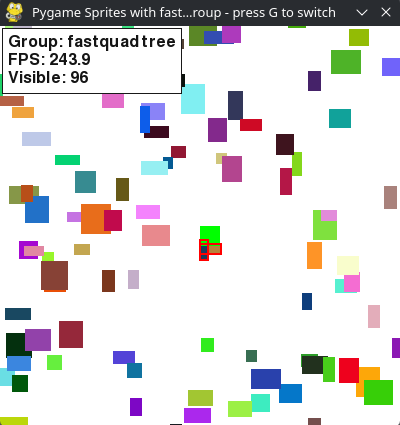
This demo creates many static block sprites and a moving player. Player collision uses the normal spritecollide(...) flow for both backends. Viewport culling asks "which blocks intersect the camera rect?" The pygame backend answers by scanning every block, while the fastquadtree backend can answer the same rectangle query through Group.query(...).
The performance tradeoff is tree maintenance. The demo uses static blocks, so the fastquadtree group can reuse its index frame after frame. If most indexed sprites move every frame, that maintenance cost can outweigh the broadphase savings.